
A little space for big feelings
Every feeling has a place here.
A friendly check-in kids can make their own. Pick a face, find a word, and take the next small step together.
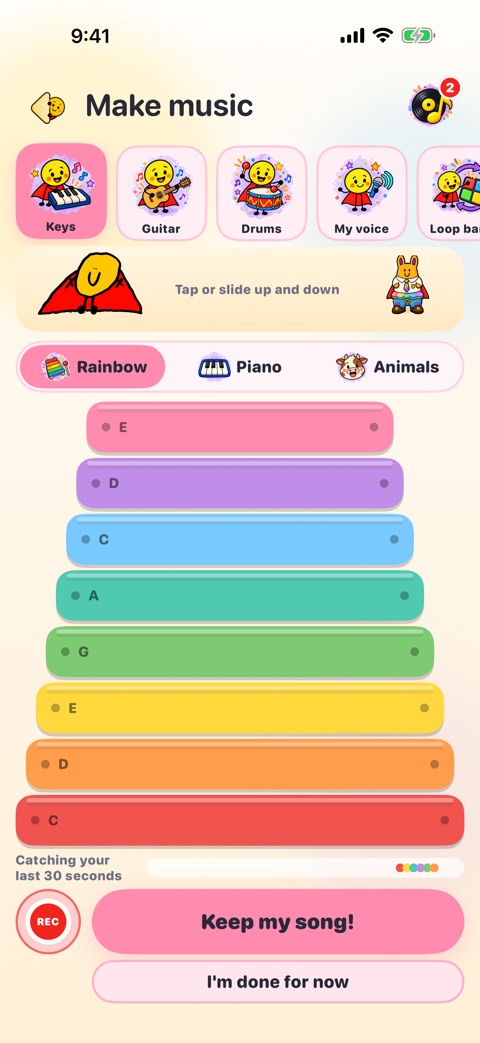
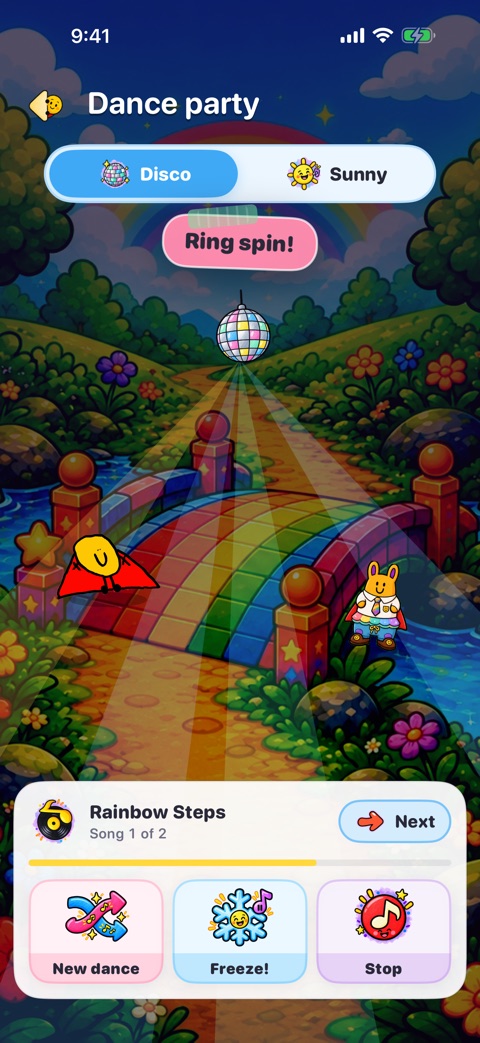
Version 3.5 brings flashlight hide & seek and a bedtime tuck-in to Smiley Pet Park, alongside the free Music Room, dance parties that move to the beat of your songs, the Worry Jar, your jar of messages for stormy days and gentle check-ins. Core check-ins and the first pet are free; optional Smiley Man Plus features require a paid subscription.
 Hi, I’m Smiley Man!
Meet the feeling faces
There’s no wrong one to pick.
Feelings can be bright, heavy, quiet, or hard to name. Every answer belongs.
Happy feels right today? There’s room for that.
Tap another faceFrom a face to a conversation
A small check-in can open a lot.
Smiley Man gives children a simple way to point to a feeling, especially when the words have not arrived yet. A grown-up can listen and decide what fits next.
 Pick a feeling
Start with one of the eight free feeling faces, or choose “not sure.”
 Stay curious
Use the Feelings Book to find words together.
- Try a next step
Choose a small activity, drawing, or a pause when it feels useful.
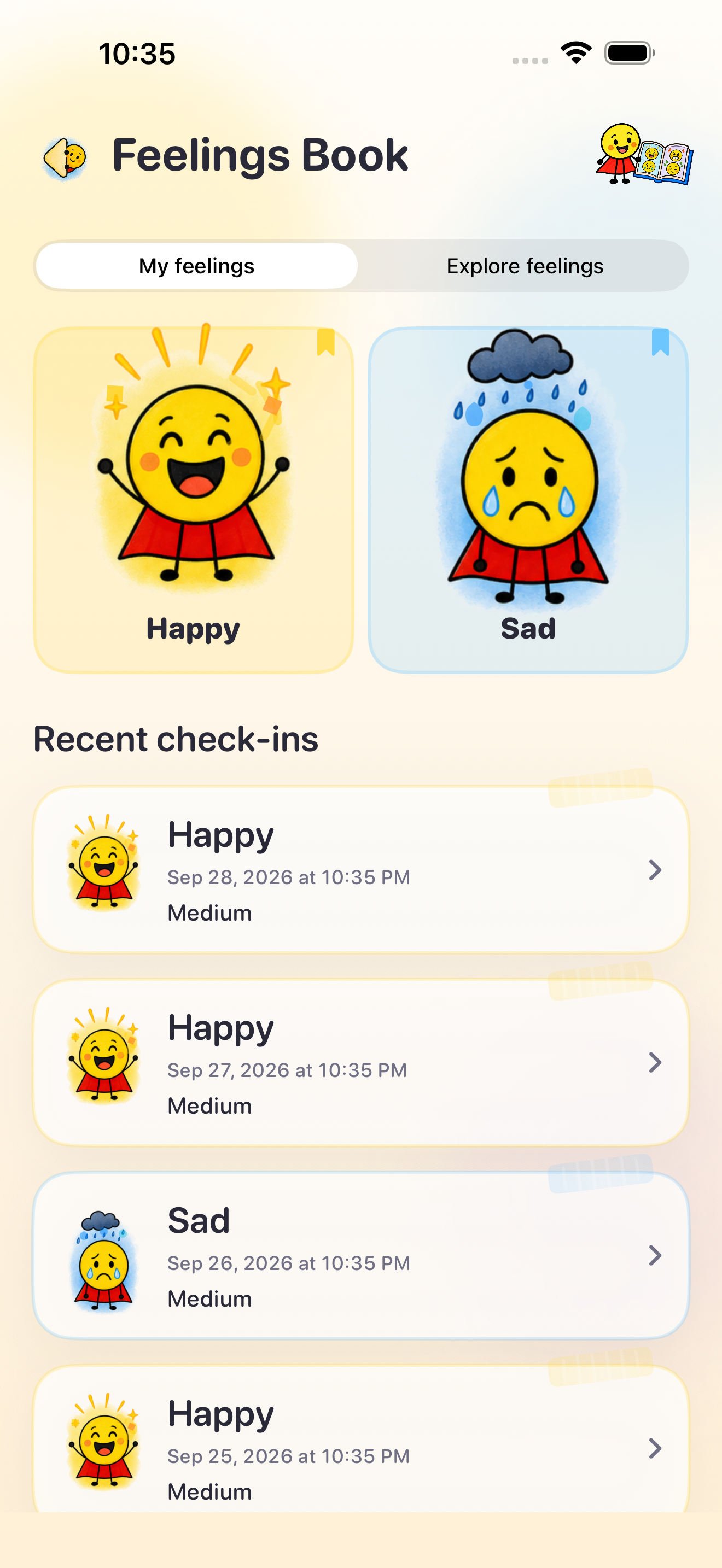 Every feeling counts.
Inside the app
See the real app.
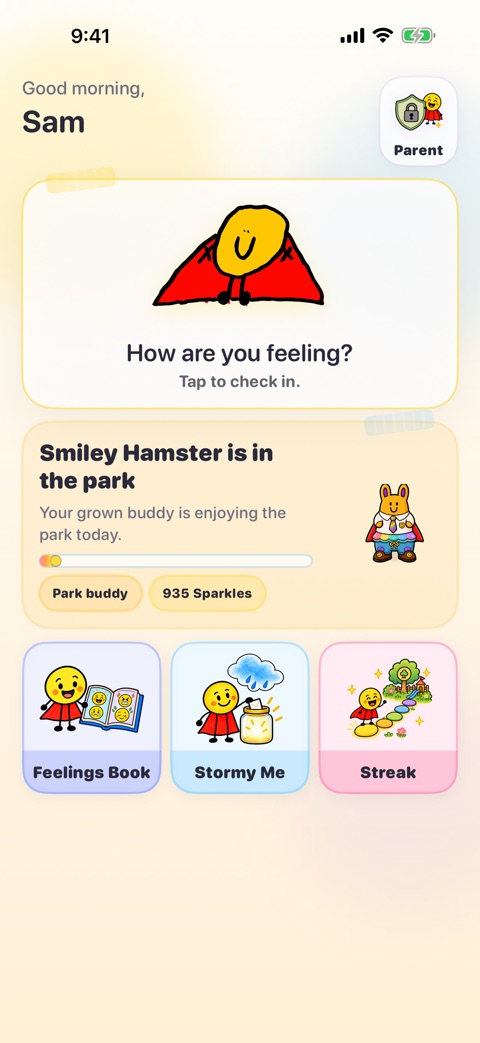
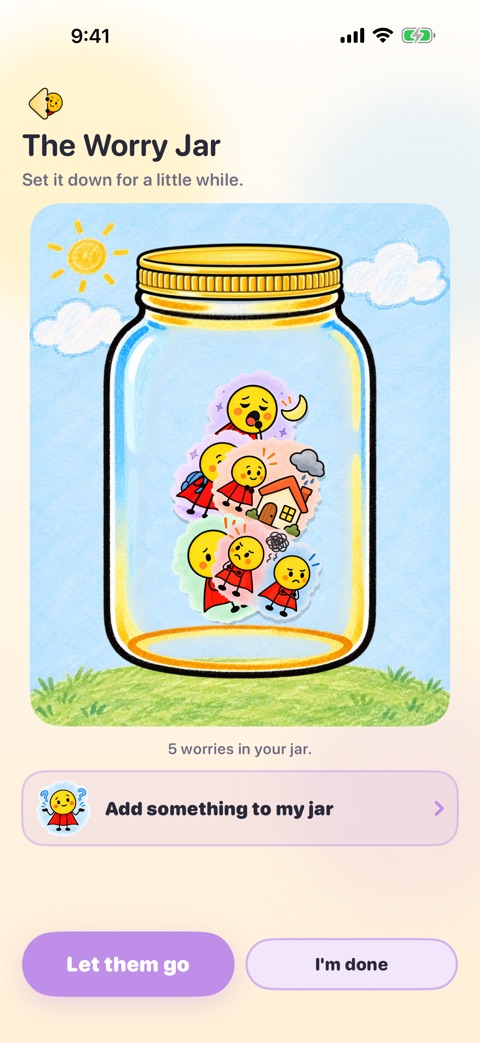
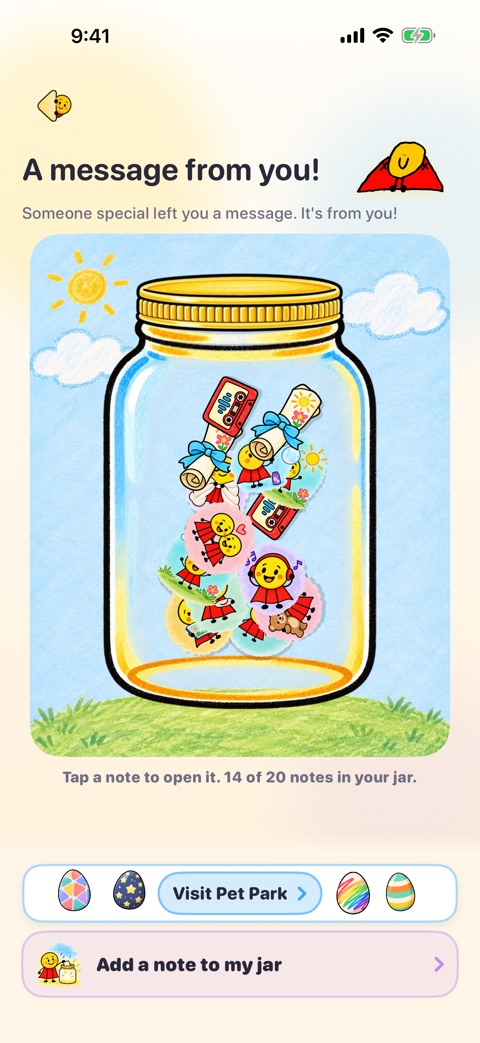
These are real screens from version 3.3: make music, throw a dance party with your pet, let worries go, and open a message from happy you. All five are free.
For the grown-ups
A little help for the moments in between.
Short, practical guides for feelings conversations at home. The app is one optional way to keep them going.



Made with families in mind
Your child sets the pace. You stay close.
The app has no ads or third-party analytics. Parent settings sit behind a PIN, and optional iCloud features are parent controlled.
Read the parent guide
Good to know
Questions parents ask.
For more detail about family information and optional cloud features, read our Privacy Policy.
What ages is Smiley Man Check-In for?
The app is designed around parent-guided early elementary use. Its public Kids Category listing centers ages 6 to 8.
Is the app free?
It is free to download. Core check-ins, eight feelings, drawing, starter activities, the Music Room, the Worry Jar, and the first Smiley Hamster with its Pet Park dance party are free. Optional Smiley Man Plus features require a paid subscription. Eligible Apple Accounts can see the yearly plan’s one-week free trial where Apple offers it; the plan renews at the displayed yearly price unless canceled at least 24 hours before the trial ends.
Does it collect my child's data?
The app saves information needed for check-ins and optional creative content. Parents control optional iCloud features and can review export and deletion choices in the Privacy Policy. The app has no third-party ads or analytics SDK.
Who made it?
Scarlet dreamed up Smiley Man Check-In with her Papa, Daniel. Adrien drew the original Smiley Man character. They made it together as a family.
Try it together
Start with one feeling.
Core check-ins are free. Smiley Man Plus adds optional paid features.