
Smiley Man Check-In helps children name how they feel and choose a small next step with a grown-up nearby. Children can try calming activities, explore creative choices, save bright moments, and play with a Smiley Pet.
Smiley Man Check-In is not a diagnosis, screening, treatment, therapy, medical, or crisis-service app.
What children can do
- Choose a feeling and, when they want, describe its size.
- Try a small calming activity, story, drawing, or other creative step.
- Save bright moments and grow a first Smiley Hamster through check-ins.
- Play in Smiley Pet Park, where play is separate from saved pet progress and rewards.
- Make music in the Music Room and throw a Pet Park dance party.
Version 3.9: six Glow Days again
Version 3.9 gives every Smiley Pet all six Glow Days again: the day after an egg is picked, the first check-in shows a little crack, then the egg hatches and the buddy grows up over three more days. Version 3.7 had shortened the cycle to five days by mistake. The Music Room DJ booth, Follow lights and My voice now fit iPhone Duo closed, in tent pose and open.
Version 3.8: made for iPhone Duo
Version 3.8 fits Smiley Man Check-In to every way iPhone Duo is held. Open like a book, the feelings faces, calm activities and parent PIN sit on either side of the fold. Half folded on a table, a calm activity plays on the upright half with its buttons on the half lying flat. Closed and stood like a tent, Breathing, Pop the Bubbles, Star Tracing and The Worry Jar put the activity beside its buttons, so a child can use one standing on the table. Other iPhones stay upright as before.
Version 3.7: reports that say what helped, and feelings recaps
Version 3.7 gives parents with Smiley Man Plus report charts that say what happened: the last 5 weeks of feelings, 12 weeks at a glance, the toughest time of day and which calm-down tools came before a calmer check-in, each with its own count. The weekly email opens with the child’s week next to their usual week. Children with Plus get a month and a year feelings recap they can replay from the Feelings Book. Eggs hatch the day after they are picked, every child’s buddy grows in a full-screen Glow Day moment, songs can be saved as Stormy Me notes, and tapped pets say hello.
Version 3.6: a Feelings Book calendar and safer libraries
Version 3.6 adds a List / Calendar switch to Recent check-ins in the Feelings Book. The list stays familiar; Calendar shows the feeling picked most often on each day, lets a child open that day’s check-ins, and offers a month or whole-year view. Music Room libraries now page, search and sort large collections, older songs move to the new smaller-file layout safely, and full jar shelves have pages. Private iCloud Backup checks jar and song files and restores them as one unit.
Version 3.5: hide & seek and bedtime in Pet Park
Version 3.5 adds two free games to Smiley Pet Park. In hide & seek, the lights go out and the child’s buddies hide around their park; the child shines a flashlight to find Smiley Man, the egg and their pets, and Smiley Man calls out each one found. Items the child has placed in the park become hiding spots too. In the evening, Bedtime lets the child tap each buddy to tuck it into its own bed before the lights go down and Smiley Man says goodnight. Drawings and songs now drop into the Stormy Me jar with a little wobble, and a Stormy Me drawing or song can be saved to the device’s photos.
Version 3.4: a smoother rainbow and dancing to the beat
Version 3.4 rebuilds the rainbow color in drawing. Rainbow strokes appear as the child draws, look the same when the finger lifts and stay quick on older iPads, and the pen, pencil, marker and brush each keep their own look. Pet Park dance parties now follow the beat of each song: quicker for fast songs, slower for slow ones and calmer in quiet parts. Smiley Pet Park and the Pet Book also fit smaller iPhones such as iPhone 13 mini. Both changes are free.
Version 3.3: music, dancing and a Worry Jar
Version 3.3 adds the Music Room. Children can play keys, guitar, drums, their own voice, a loop band and Follow lights while Smiley Man and their pet bop along, then spin sounds at the DJ booth with Robot, Echo, Chipmunk and Monster effects. Keep my song! saves a song on this device only. In Smiley Pet Park, a dance party lets a pet dance to the child’s songs.
The rebuilt Worry Jar lets children drop worries in, watch them settle and let them go. Worries are cleared when the child leaves and are not saved. Messages for Stormy Me keeps voice notes, drawings, written notes, helpful ideas and now kept songs in an illustrated jar, and can reveal a message from happy you. Kid buttons are brighter, with picture icons. The app is designed for iPad in portrait and landscape, works with Split View, Slide Over and Stage Manager, and its text follows the device’s Dynamic Type setting.
The Music Room, the Worry Jar, Messages for Stormy Me, the first Smiley Hamster and its dance party, earned accessories and core Pet Park play are free. The six Flowling friends, Silly and Tired feelings, additional Smiley Pet eggs, expanded stories, read-aloud, parent reports, optional weekly report email, and Family Device Sync remain optional features that require a paid Smiley Man Plus subscription. Purchases and subscription controls are parent-gated.
Designed for children and grown-ups
Children lead the check-in. Parents use a PIN-protected area to manage privacy choices, optional features, saved-content visibility, and local data export or deletion. Parent summaries are conversation starters based on recorded app activity, not clinical conclusions.
Free and Plus features
Smiley Man Check-In is free to download. Free features include core check-ins, drawing, the Music Room, the Worry Jar, Messages for Stormy Me, the first Smiley Hamster, and Smiley Pet Park play with its dance party. An optional paid Smiley Man Plus subscription unlocks additional features, including more feelings, stories, pets, parent reports, weekly report email, and Family Device Sync. Purchases and subscription controls are parent-gated. Eligible Apple Accounts can see the yearly plan’s one-week free trial where Apple offers it. After the trial, the subscription renews at the displayed yearly price unless canceled at least 24 hours before the trial ends. See the App Store listing and parent-gated plans screen for current availability and pricing.
How the app works
- A child picks a feeling and can choose a feeling size.
- The child chooses a small next step, such as an activity or creative tool, or finishes without one.
- The child may answer an optional follow-up about how they feel.
- Check-ins and progress are saved in the app. Parents manage separate iCloud backup and Family Device Sync choices.
What makes it different
- Core check-ins are designed for local use, with cloud backup and device sharing managed separately by parents.
- All feelings receive the same base daily check-in reward.
- Smiley Man read-aloud uses approved audio bundled with the app; child-entered content is not sent to a narration service during normal use.
- The app has no third-party advertising, third-party analytics SDK, or cross-app and website tracking.
The family behind it
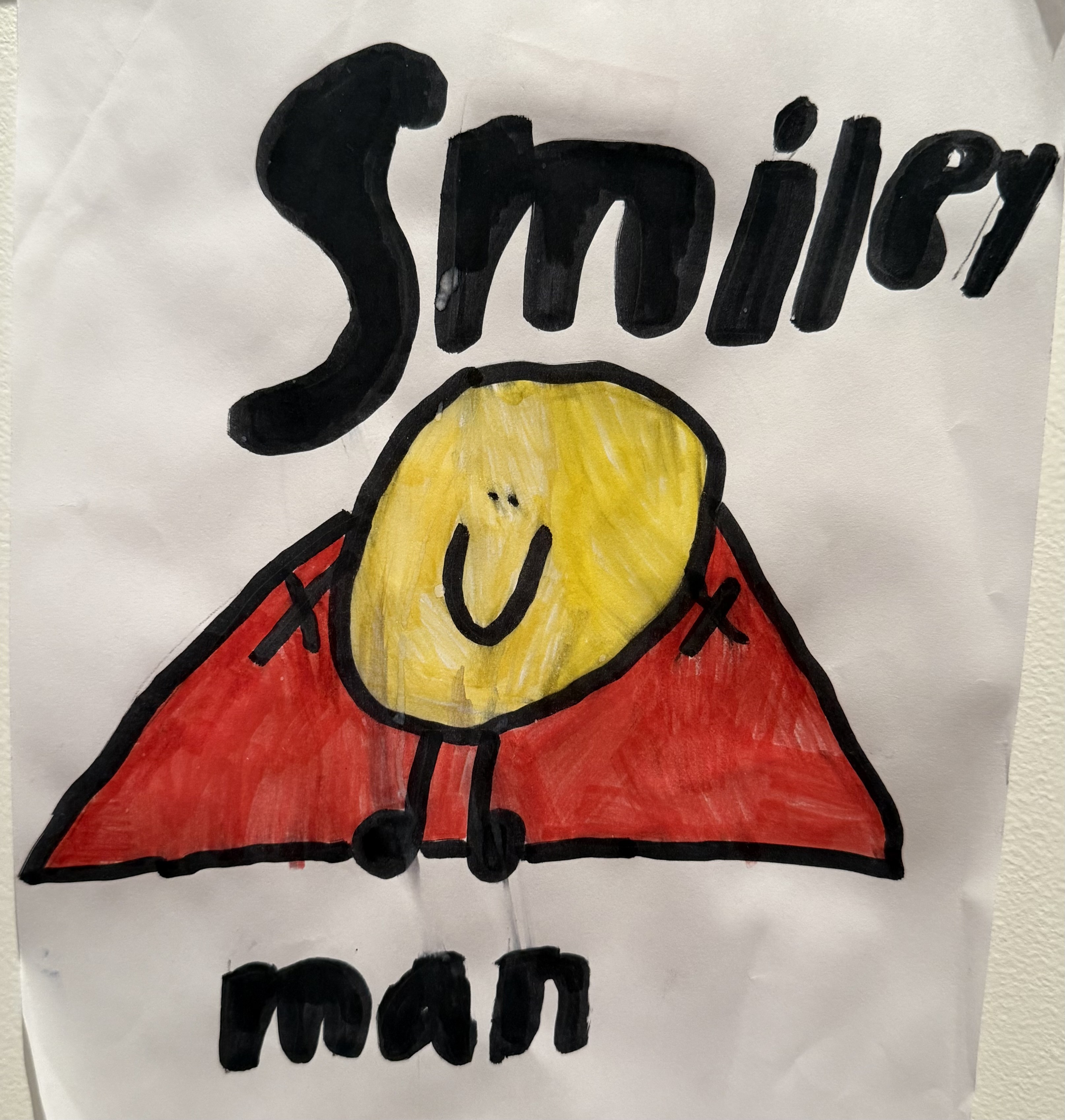
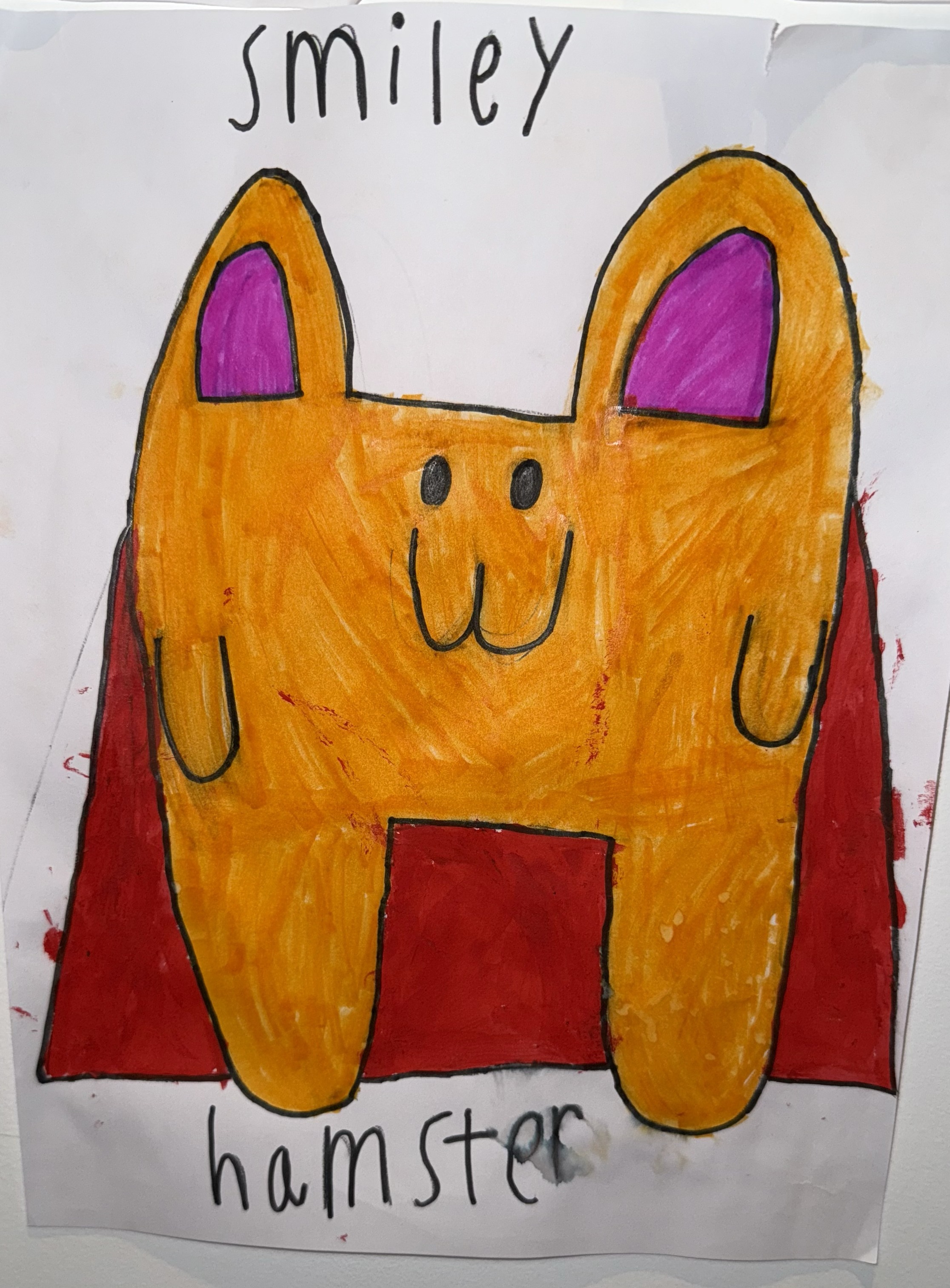
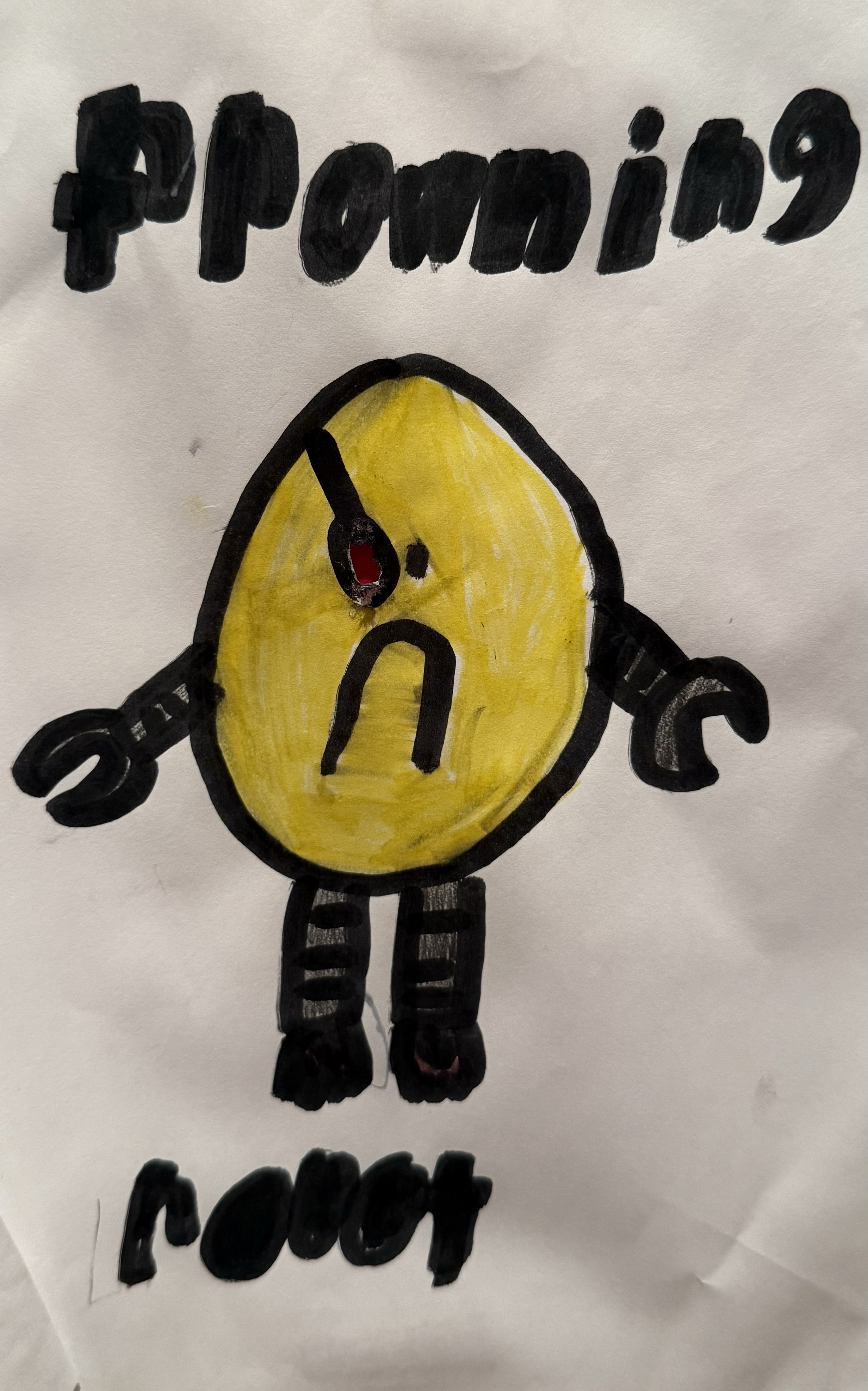
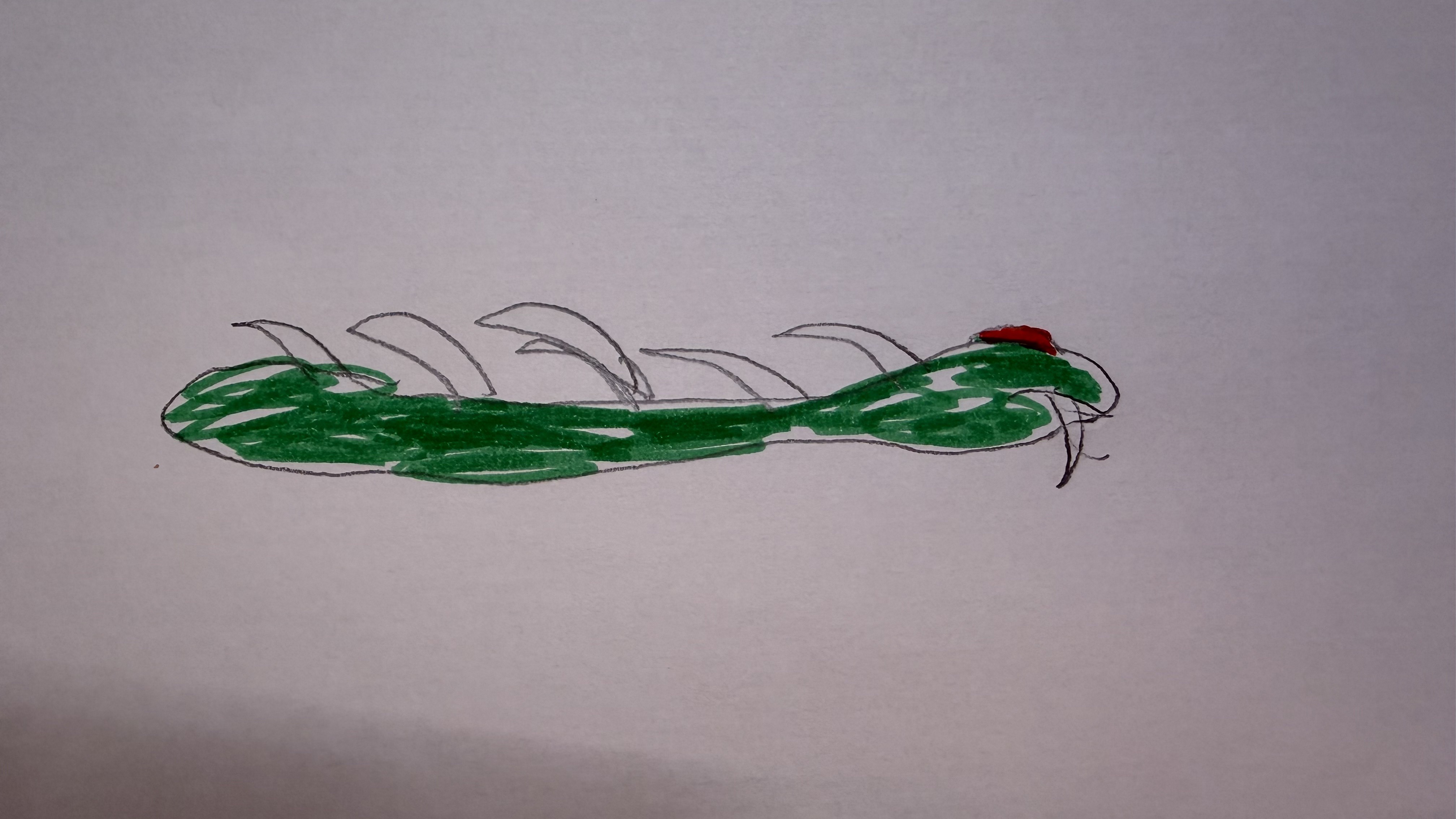
Scarlet dreamed up the idea for Smiley Man Check-In with her Papa, Daniel. Adrien’s original Smiley Man drawing became the character in the app and logo. It grew into a family project they made together. See the original drawings.
Key facts
- App
- Smiley Man Check-In
- Purpose
- Parent-guided feelings check-ins and small next steps for children.
- Audience
- Children ages 6 to 8, with a parent or caregiver nearby.
- Developer
- Daniel Praid
- Creators
- Scarlet, Adrien, and Daniel Praid
- Platforms
- iPhone with iOS 17 or later, and iPad with iPadOS 17 or later.
- Price
- Free to download, with an optional paid Smiley Man Plus subscription.
- Privacy
- Parent-managed privacy choices; no third-party advertising, third-party analytics SDK, or cross-app and website tracking.
- Support
- smileymancheckin@gmail.com
For the details of on-device storage, optional iCloud features, weekly email, and parent controls, read the Privacy Policy.
Frequently asked questions
Is Smiley Man Check-In a therapy app?
No. It is an emotion check-in app and is not a diagnosis, screening, treatment, therapy, medical, or crisis-service app.
Does the app show ads or track children across apps?
No. The app has no third-party advertising, third-party analytics SDK, or cross-app and website tracking. The Privacy Policy explains the data used by optional features.
Does Smiley Man Plus need to be purchased?
No. Families can use the free check-ins, drawing, Music Room, Worry Jar, first Smiley Hamster, and Pet Park play. Plus is an optional paid subscription, and purchase controls are parent-gated.
Are Private iCloud Backup and Family Device Sync the same thing?
No. Private iCloud Backup is for recovery in the family's private iCloud account. Family Device Sync is a separate feature for sharing selected structured information with a linked parent device. See the Privacy Policy for details.
Are child voice notes sent to Smiley Man Voice?
No. Child-recorded Voice Notes are separate from Smiley Man read-aloud, which uses audio bundled with the app. Voice recordings and other saved creations are not sent to a narration provider during normal use.